Maxwellito logo

maxwellito

maker of the useless.
github / mastodon

Welcome to Maxwellito’s portfolio. A messy retrospective of my side projects. This portfolio is very visual, but welcome to this screen-reader-friendly edition. I will try my best to provide additional details for a richer experience. Please remove your shoes at the entrance and make yourself comfortable.
minimator

minimalist graphical editor

Horizontal lines, vertical lines, quarter circles, and that’s it

try it

source code

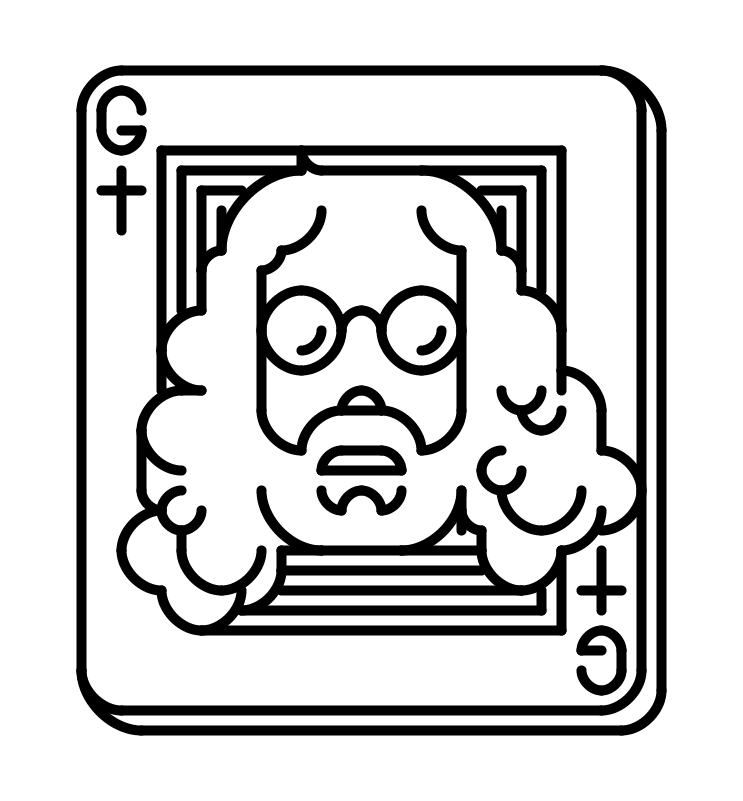
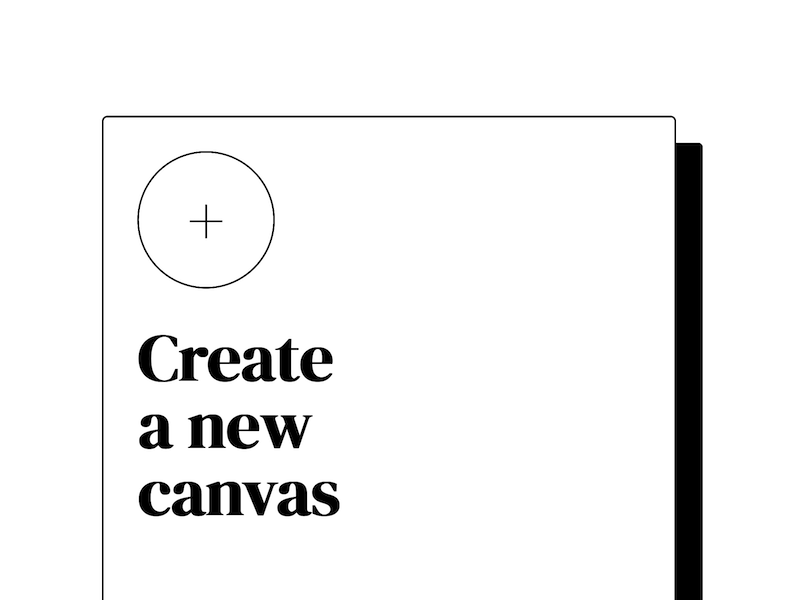
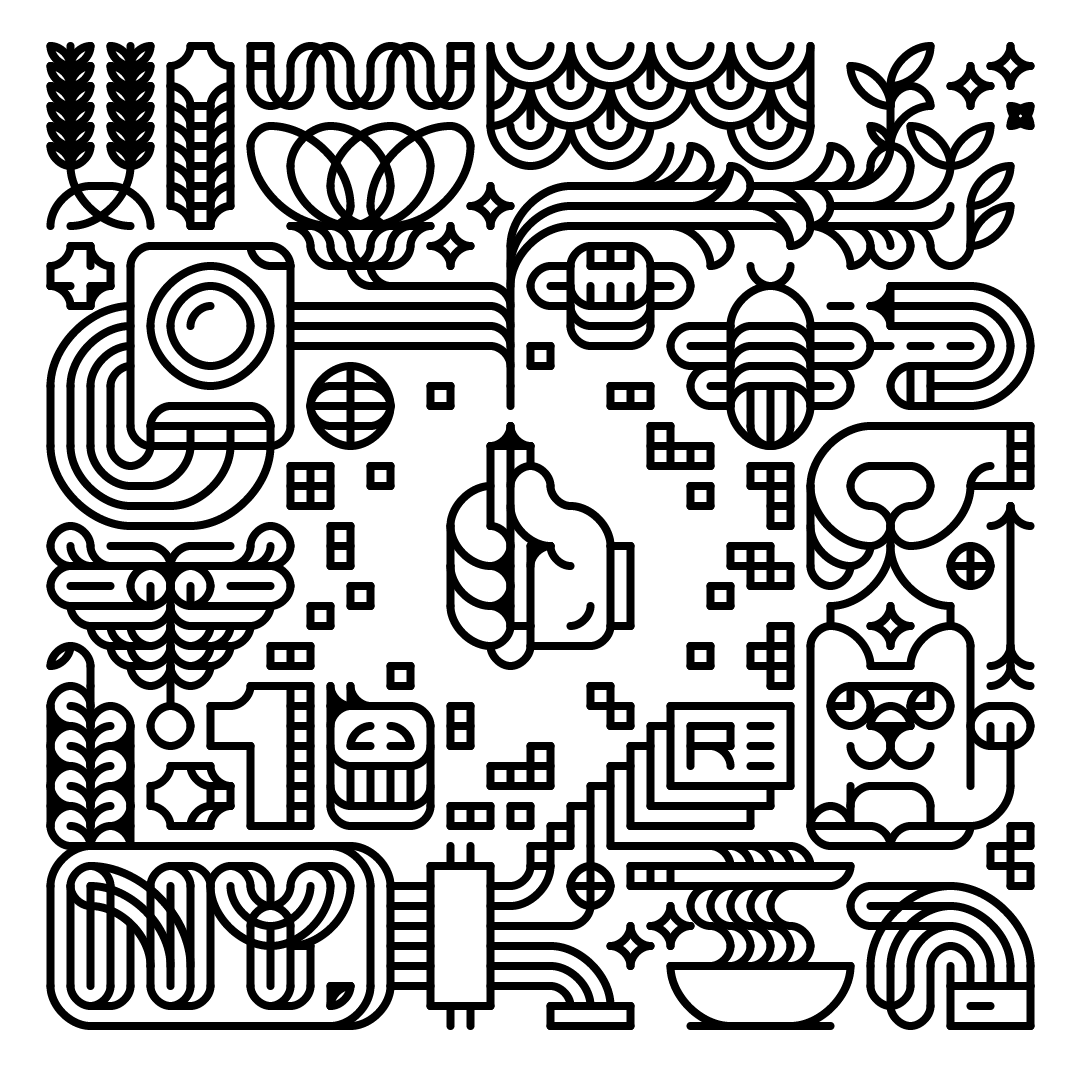
Built in 2021, Minimator is a minimalist graphical editor. It only allows drawing vertical or horizontal lines, or quarter circles, on a grid of dots. There are no colors; everything is black and white. Only the line thickness is adjustable at the illustration level. These limitations help create beautiful designs. The editor’s look and feel follow the same spirit: minimalist and monochrome. The goal was to offer an experience as polished as Procreate: snappy, lag-free, with undo and redo gestures. The editor runs as a Progressive Web App and can be installed for offline use. All creations are stored locally in the browser; nothing is sent to the cloud. The code is available on GitHub. The original idea was to connect it to a 2D plotter to print illustrations as posters, but it never happened. Minimator’s default illustration, shown as a preset when the app is opened for the first time. It demonstrates the editor’s capabilities and features a large doodle filled with random objects: a Polaroid camera, a cat, a bowl of ramen, a New York sign, ivy, and the Minimator logo—a hand holding a pen—at the center. The Minimator label, set in the DM Serif Display font. The Minimator icon, represented by a hand holding a pen. Gaspard from the electronic music band Justice, illustrated as a playable card. This is another default illustration for new users. Mosaic of the editor tools: line thickness, home, export, replay, and more, all from the Lucide icon library. Screenshot of the 'Create a new canvas' screen on the homepage.

doodlin'

keep on and never stop doodlin'

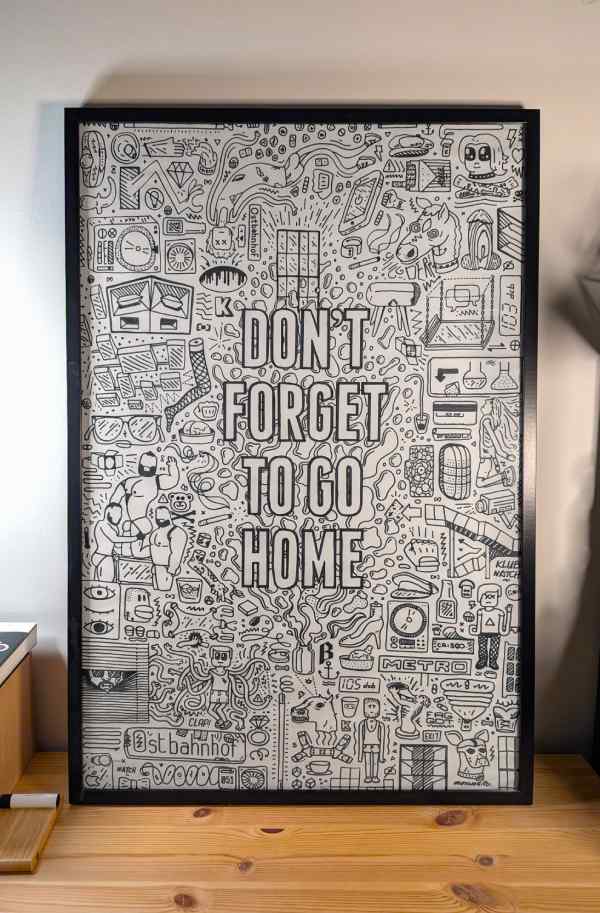
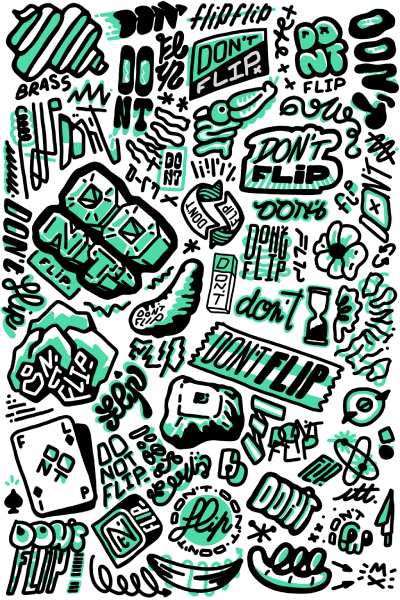
Doodling has always been a guilty pleasure. There is no particular topic: it can be a quote, my favorite nightclub, or something that happened to me in the last three months. There is something satisfying about filling a surface with many tiny elements that form harmony when seen as a whole. Any format works: large posters with a Posca marker, Procreate on an iPad, or a pile of Post-it notes. As seen in this portfolio, I pushed this hobby far enough to create my own graphical editors. Minimator is a direct product of doodling, with a light hint of OCD. A collection of random items drawn in an American traditional tattoo style. Framed doodle on a desk. A large ‘Don’t forget to go home’ message is written in the center, surrounded by tiny elements inspired by memories from the legendary Berghain club. Another doodle made in Procreate around the ‘Don’t flip’ quote, originally related to reducing my phone usage.

BreakLock_

Puzzle game, a hybrid of Mastermind and the Android pattern lock.

try it

source code

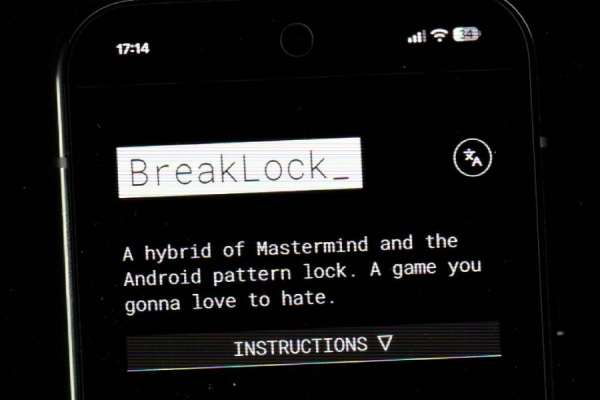
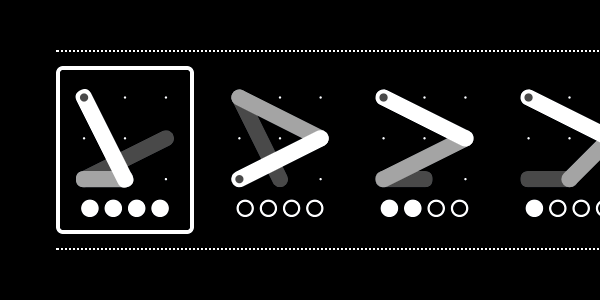
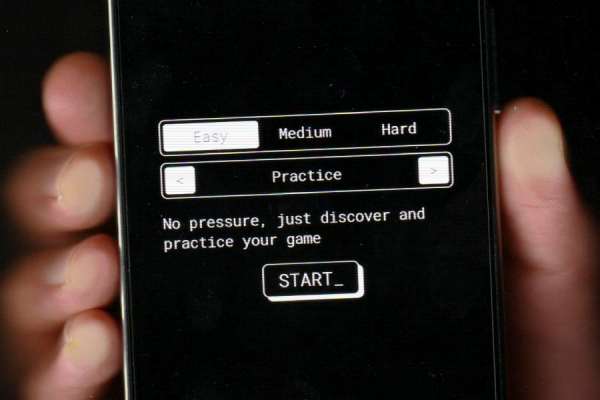
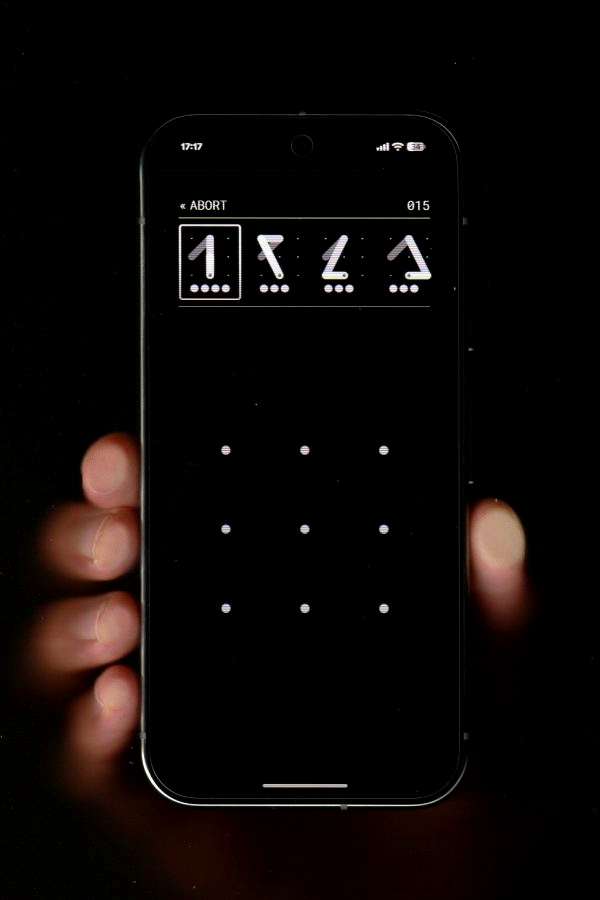
Built in 2017, BreakLock is a mobile-first HTML5 game. The concept is a hybrid of Mastermind and the Android pattern lock. The project started as a way to entertain myself during my daily commute while building my first Progressive Web App. This technology allowed me to build and distribute a mobile game without submitting it to an app store. The design is highly contrasted and minimalist, which likely contributed to its success. However, Mastermind-style games can be mentally demanding and are not everyone’s cup of tea. On top of that, the game-over screen displayed passive-aggressive comments about the player’s performance, which was a delight to implement. Its modest popularity led to a few contributions and translations. The source code is released under the MIT license and is available on GitHub. Screenshot of the BreakLock homepage, showing the title and introduction in a very dark interface. Close-up view of the attempt history during a game. The history shows four attempts, with the last one being a success. BreakLock title graphic, used for project headings. BreakLock logo, representing a four-point pattern from the Android lock screen. Animated illustration explaining the game mechanics. Smartphone held in a hand, displaying the BreakLock home screen with the game options visible. Close-up of the BreakLock game screen, with the attempt history at the top and the pattern grid in the center for making new attempts.
vivus

SVG animation library
this tiny project became wildly popular and grew out of proportion

demo page

source code

Built in 2014 and maintained for many years. This tiny SVG library animates stroke-based SVGs to give the impression that they are being drawn live. Out of the box, the code triggers the animation when the SVG enters the viewport. The project offers different animation types to fit various needs, along with basic playback options. It was heavily inspired by a Codrops article explaining how stroke-dasharray animations work. However, the original code was not easy to reuse and only worked with path elements. This became a great opportunity to build a reusable JavaScript library, even if I was also motivated to create something visually impressive for recruiters. In retrospect, I even demoed the library during the interview for my current job. After being featured by Codrops in one of their weekly posts, the project suddenly gained a lot of attention. This is how I discovered Hacker News—by seeing Vivus on the homepage. When a project like this becomes popular, there are many learning opportunities, such as publishing npm packages. But there are also downsides to that dopamine hit: providing support and long-term maintenance. The life of an open-source maintainer can be brutal. Not going to lie: having people repackage the library as an Adobe plugin, sell it, and then send their customers to me for support was quite WTF. Filing a regression report on the Chromium bug tracker when the library stopped working in a new Chrome release was, however, a memorable moment. The project kept me busy for a couple of years, and I now enjoy fading into the background. The source code is released under the MIT license and is available on GitHub. Typography illustration reading ‘Hi there’, animated using Vivus. All outlines are drawn one after the other. Handwritten ‘Keep on dreaming’ text animated using Vivus. Close-up of the Vivus Instant logo, written in cursive handwriting with a thicker outline, giving it a gooey style. Camera shutter illustration demonstrating a Vivus animation. Polaroid camera illustration demonstrating a Vivus animation. Synthesizer illustration demonstrating a Vivus animation.

tetrispad

Tetris on a Novation Launchpad via WebMIDI

Built in 2017, Tetrispad is a port of Tetris for the Novation Launchpad. This MIDI controller is originally designed for music creation, but its colorful, grid-based interface also lends itself well to playful experiments. The code is a web page running Tetris and using the WebMIDI API to display the game on the device. Coding Tetris quickly makes you aware of many edge cases to handle, especially around the end of the game. The source code is released under the MIT license and is available on GitHub.
Introduction to WebRTC

stop-motion video explaining the WebRTC protocol

Recorded in 2016, this introduction was intended as a fun exercise to experiment with stop-motion animation. WebRTC was a fairly new protocol at the time, offering many possibilities, and it felt like a good opportunity to understand it better while building animations. Unsurprisingly, stop motion is time-consuming. Combined with a certain fear of speaking into a microphone, it was not an easy exercise. Many things could be improved, from image quality to narration, but it was a fun experience nonetheless.

Justice xx IKEA

Cheap reproduction of the second Justice world tour live show

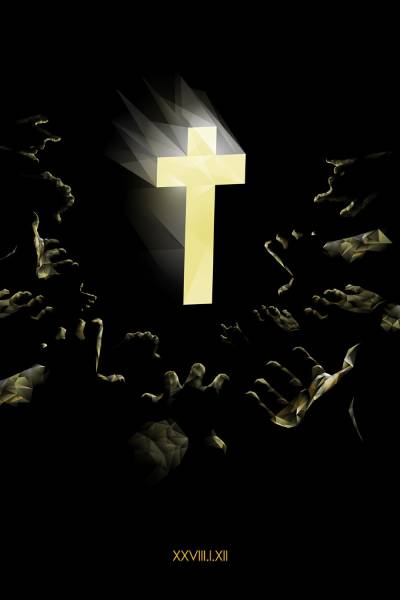
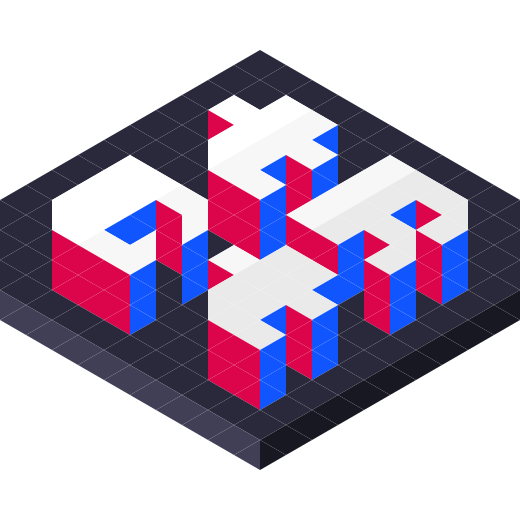
The year was 2012. Justice had just started their second world tour, and this time the light show had been upgraded. During their previous tour, the band was already surrounded by two walls of Marshall amplifiers. This time, however, they were packed with LEDs that were harmonically synchronized with the music. This live performance was a defining moment in my perception of stage design and the possibilities that lighting can offer. One evening, I realized the potential that the newly released Kallax shelves in my bedroom could have. Recreating parts of the live show artificially became a weekend project. No electronics were used: each box was photographed individually at full brightness, then edited to match the music. Illustration of the Justice world tour intro, with the illuminated cross lighting up as the crowd moves forward to touch it.

triangulart

Isometric graphic editor
It's like pixel art but with triangles. These are creations made with it.

try it

source code

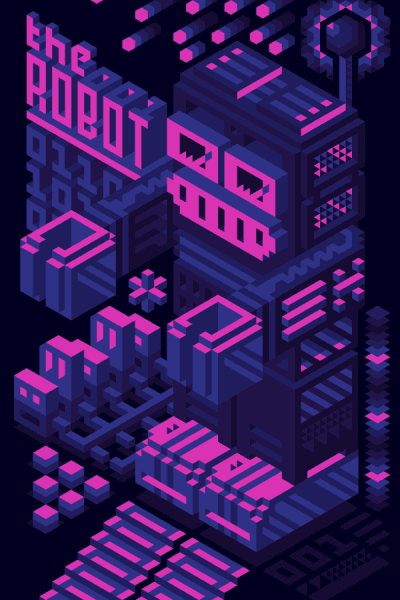
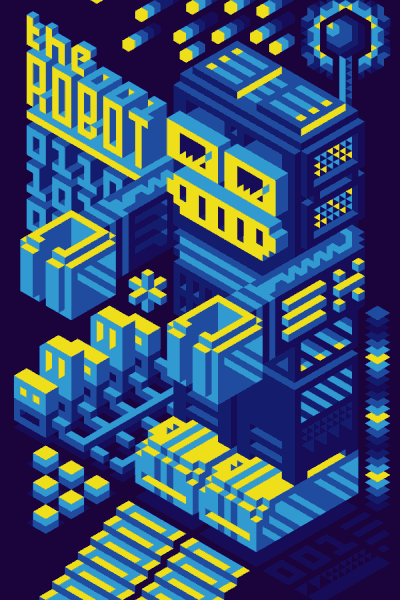
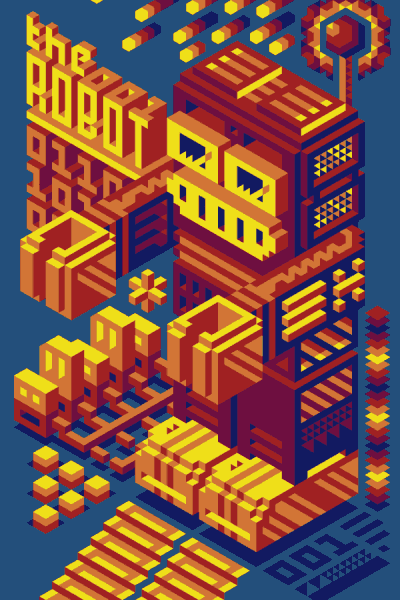
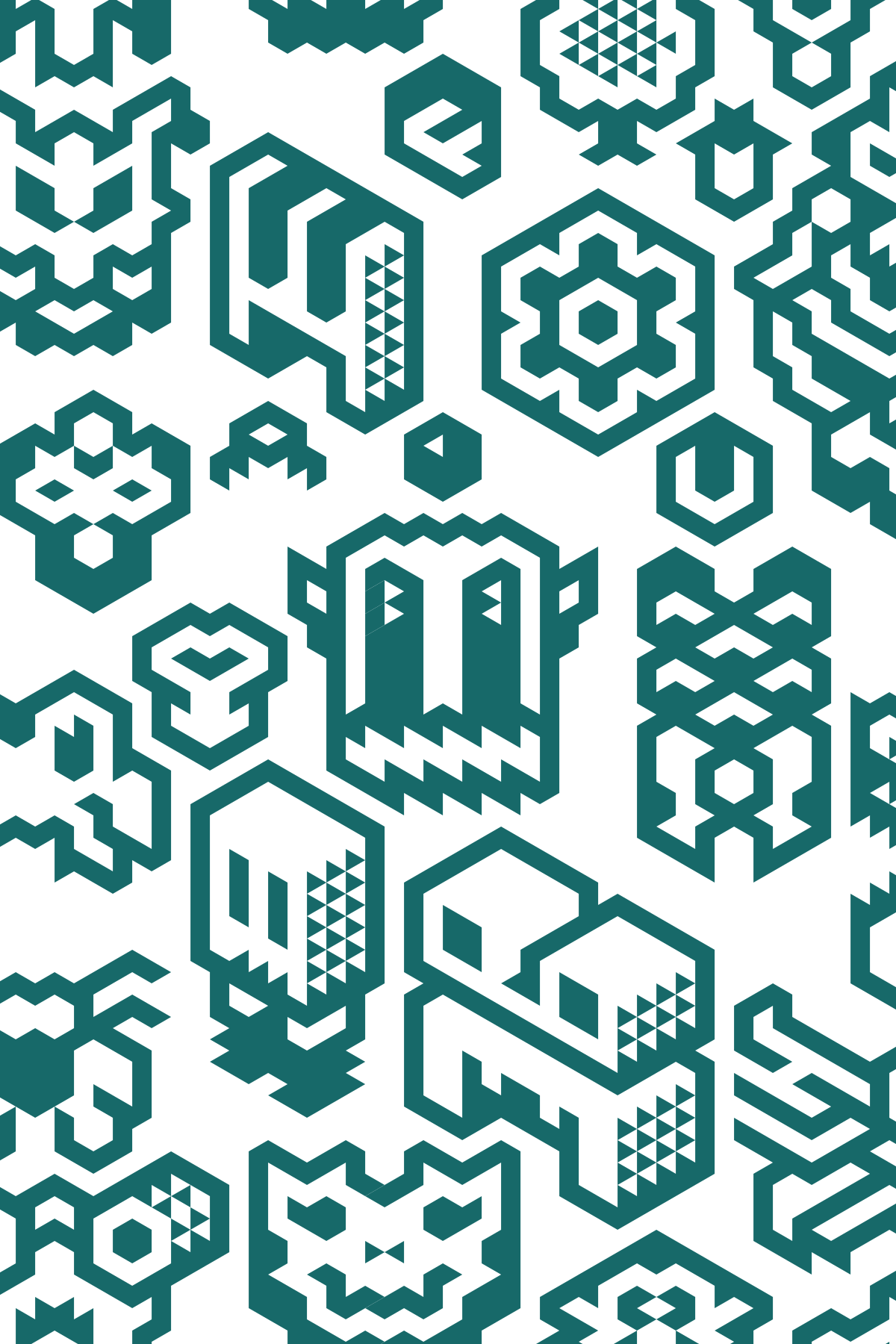
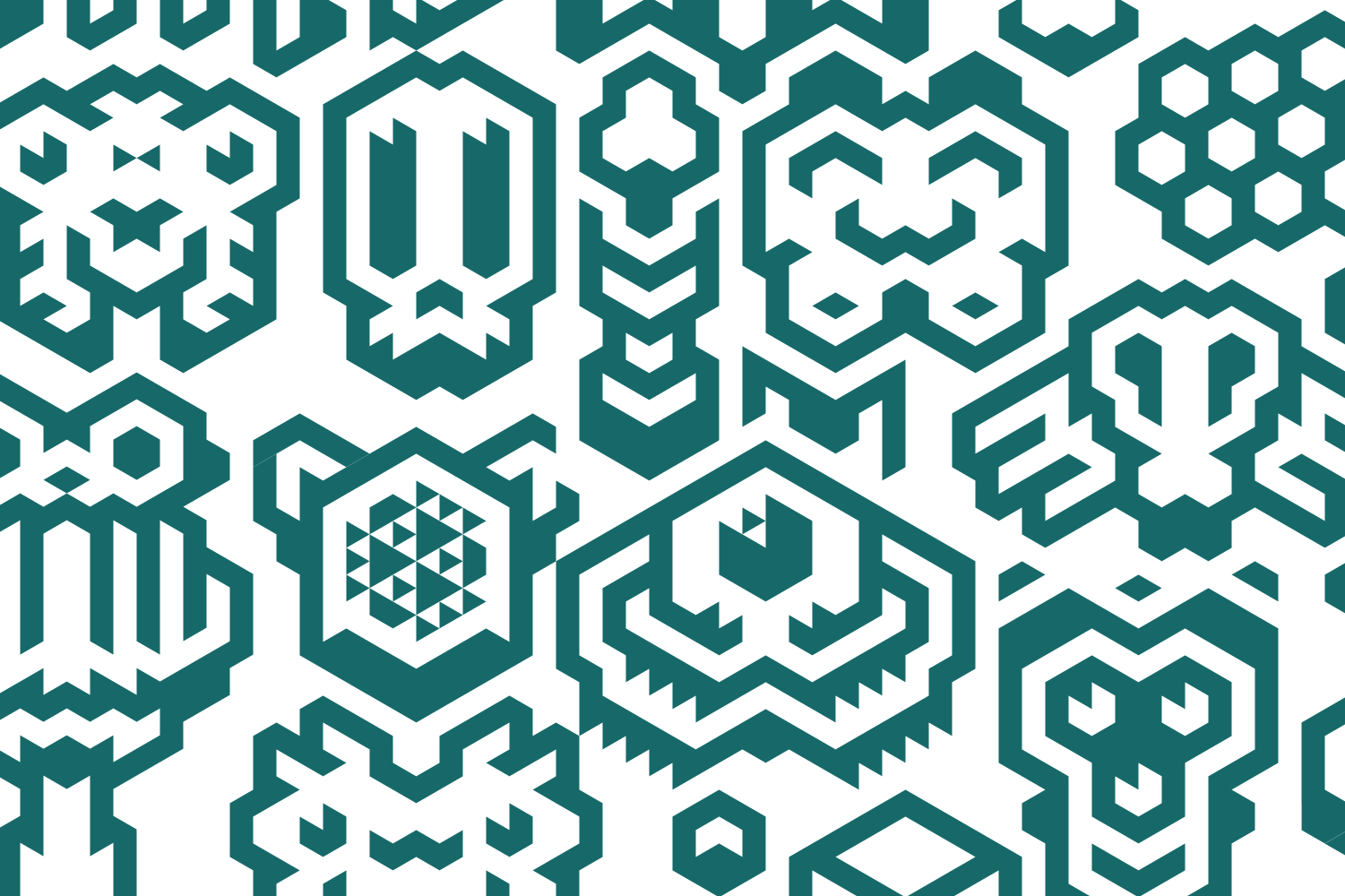
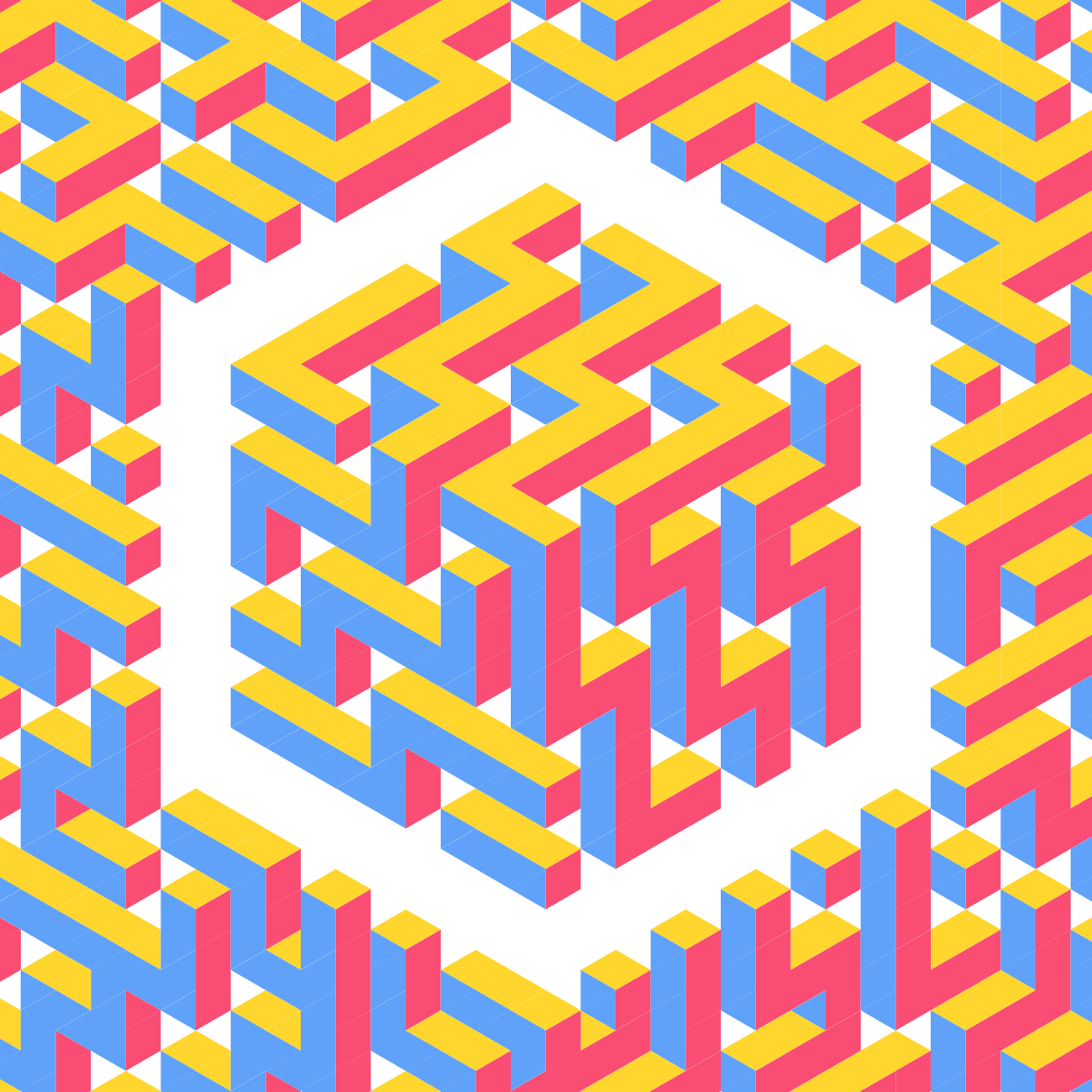
Triangulart is an isometric graphical editor, started in 2014. After spending too much time in Illustrator trying to figure out an easy workflow, I realized I could build my own editor as a WebApp. It was later revamped to offer more features. Each artwork has a canvas size and a grid direction. All data is stored locally, nothing is uploaded to the cloud. Artworks are exportable as SVG. It has two important and challenging features: undo/redo history and a selection tool (which is tricky on a triangle-shaped grid). The interface is not super polished but is sufficient to produce great illustrations. The source code is under MIT licence and available on GitHub. Robot illustration made with Triangulart. It represents a gigantic vintage robot with many details and a couple of random items around. The color palette transitions from warm to cool colors. Same robot illustration as before, with a darker color palette. Same robot illustration again, with a purple color palette. Isometric doodle of monsters made from triangles. Lots of tiny creatures. Another isometric doodle of monsters made from triangles. Lots of tiny creatures. Official Triangulart logo forming the letter T, outlined with a structure made of triangles. Alternative Triangulart logo representing the letters T R G T in an isometric view. Alternative Triangulart logo Gigantic isometric squiggle in blue, red, and yellow. Abstract illustration.

HexaBeat

Music sequencer using code commits to generate music

try it

source code

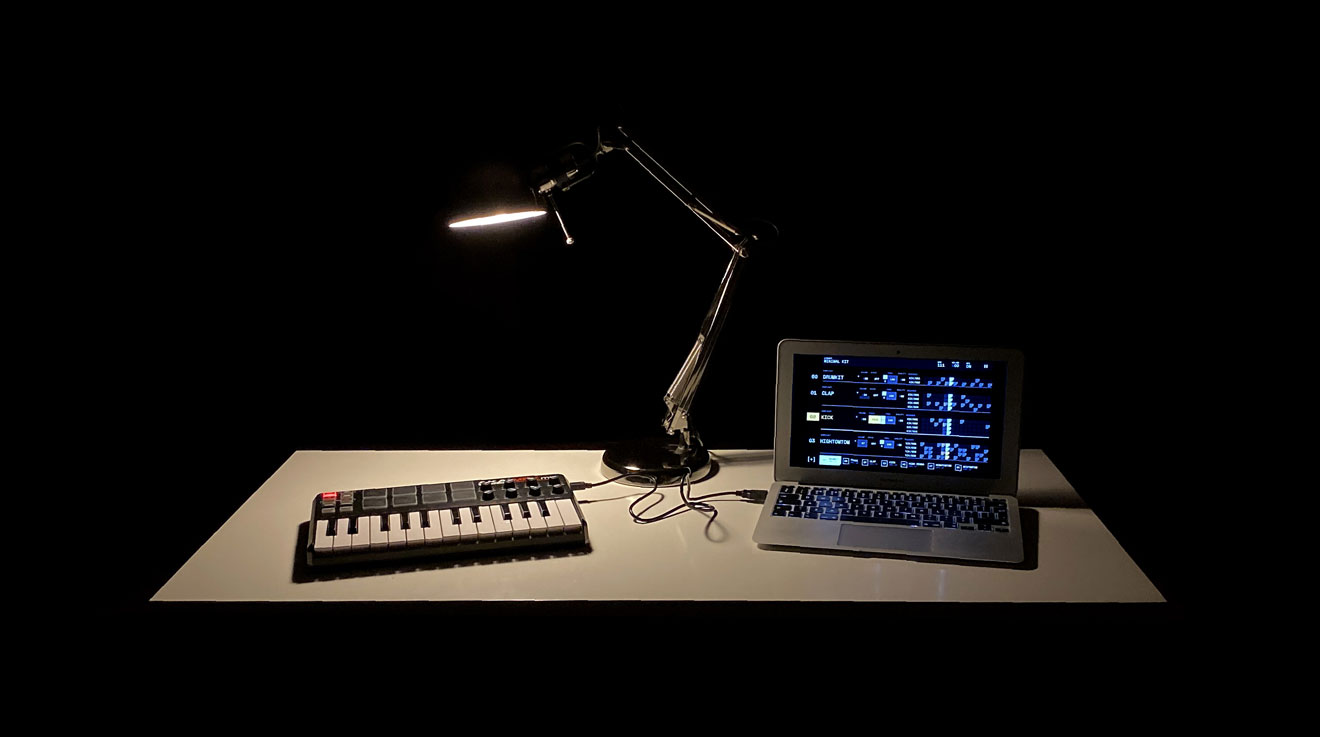
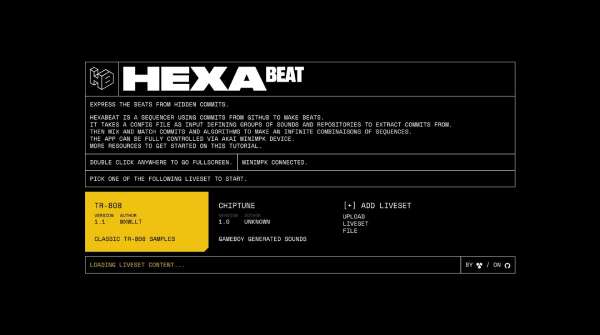
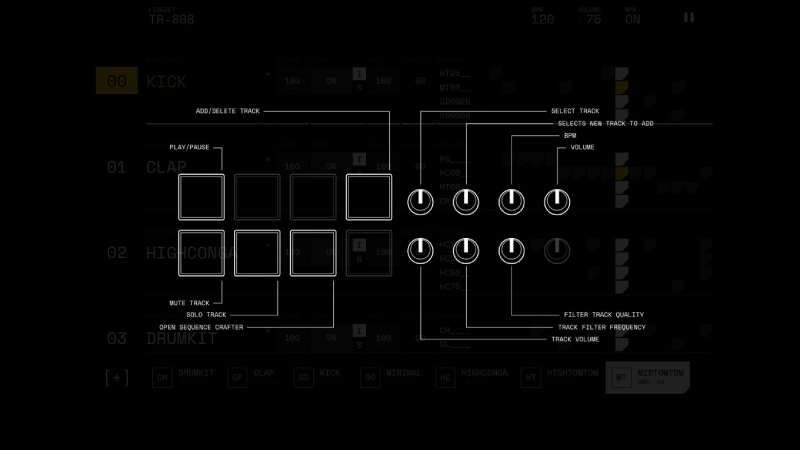
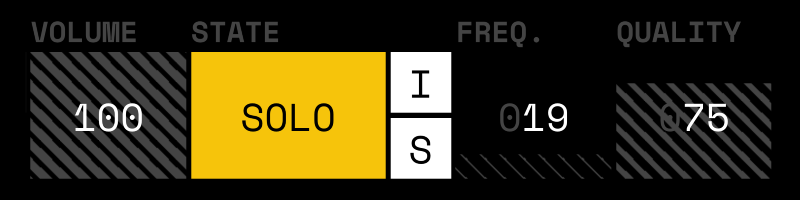
Built and shipped in 2019, then largely ignored afterward. HexaBeat is an app that uses GitHub commits and passes them through an algorithm of your choice to generate new sequences. The app takes a liveset file as input, which contains groups of sounds and a list of repositories. Based on this, tracks can be added or removed. Each track has its own volume, enable and solo modes, filter, and sequence. Every sequence is a combination of a repository, a commit, and an algorithm. Anybody can use it; it's as easy as scrolling filters on Instagram until you find something you like. All of this happens in a futuristic interface based on a monochrome palette with vibrant yellow accents. For extra fun, the application can be controlled from an Akai MPK Mini, creating new challenges to design a user interface controllable via hardware and remote inputs. This was another attempt to make music and an opportunity to experiment with React and Redux. One goal succeeded, the other didn’t—you can guess which. The source code is under MIT licence and available on GitHub. HexaBeat logo, letters H and B connected in an isometric view with outlined design. White desk on a pitch-black background, with a lamp and an Akai MPK Mini connected to a laptop showing the HexaBeat interface in fullscreen. HexaBeat homescreen. The title uses an extra-wide font and offers many music sets to choose from. HexaBeat close-up on the sequencer algorithms. Each algorithm has a title and a tiny icon representing the sequence it generates. HexaBeat's algorithm icons, each giving a visual cue of the sequence pattern they generate. Akai MPK Mini control interface to manipulate HexaBeat tracks. Close-up of a HexaBeat track. A mix of brutalist and futuristic design showing volume, solo/isolate toggle, and audio filter controls.

graxel

Tiny mobile zen-garden with pixels

try it

source code

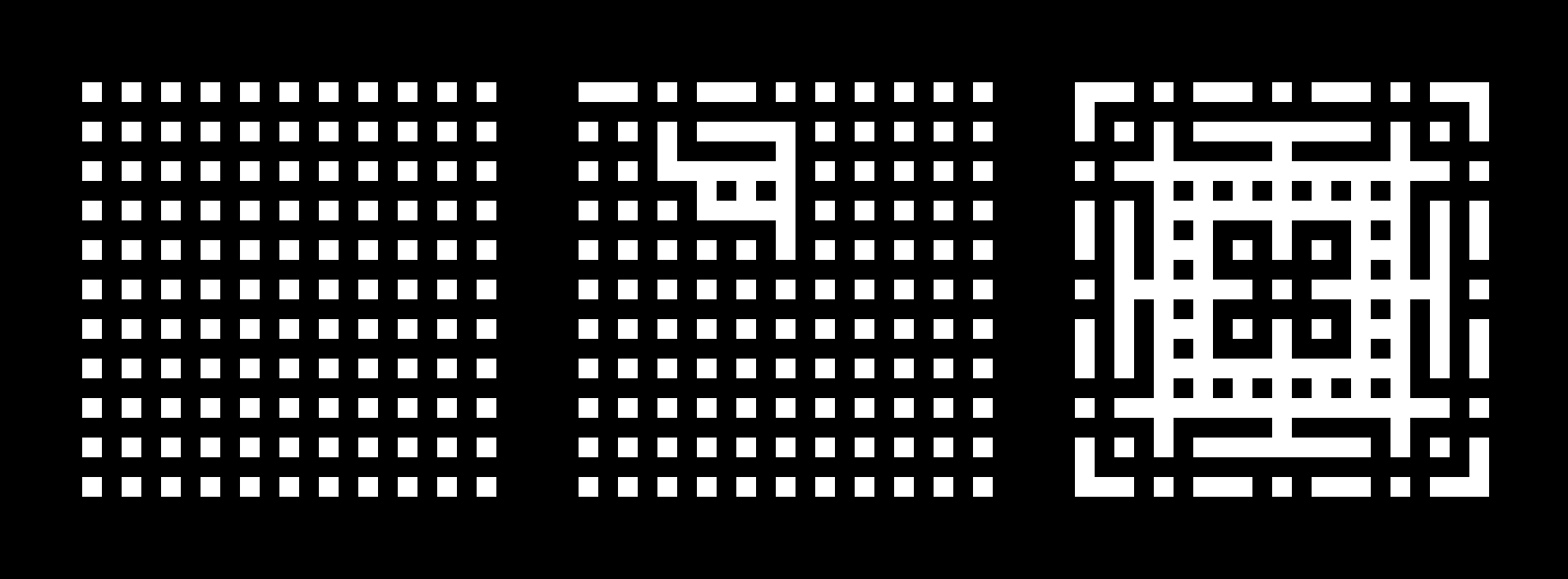
Graxel is a mobile pixel editor designed for doodling and relaxing. Like in any form of art, constraints define the style. Here, the constraints are a 21x21 pixel grid, black and white only, with an uneditable base pattern. The canvas is an SVG, similar to Triangulart. Using SVG makes it easier to edit and capture user input. To ensure perfect rendering, the editor scales to the closest integer ratio so that pixels are whole numbers, avoiding unwanted black lines between pixels. The UI provides three actions: To generate visually pleasing results on each attempt, the code randomly fills 1/8 of the canvas and mirrors it symmetrically across the entire grid. Why does this look good? Two principles explain it:
  1. Symmetry: a fundamental principle for aesthetic appeal.
  2. Content density: the distribution of pixels matters. Even if the design is abstract or imperfect, a balanced density of filled space (about 50% on average) produces visually pleasing patterns. The base pattern ensures this balance, varying between 25% when empty and 75% when full.
This was the first time I managed to turn randomness into consistent beauty. Finally, the share/remix feature allows users to share their creations via URL and let others remix them. Feel free to try Graxel. The source code is available on GitHub. Bonus: if you hit the random button too often, it might just come alive.
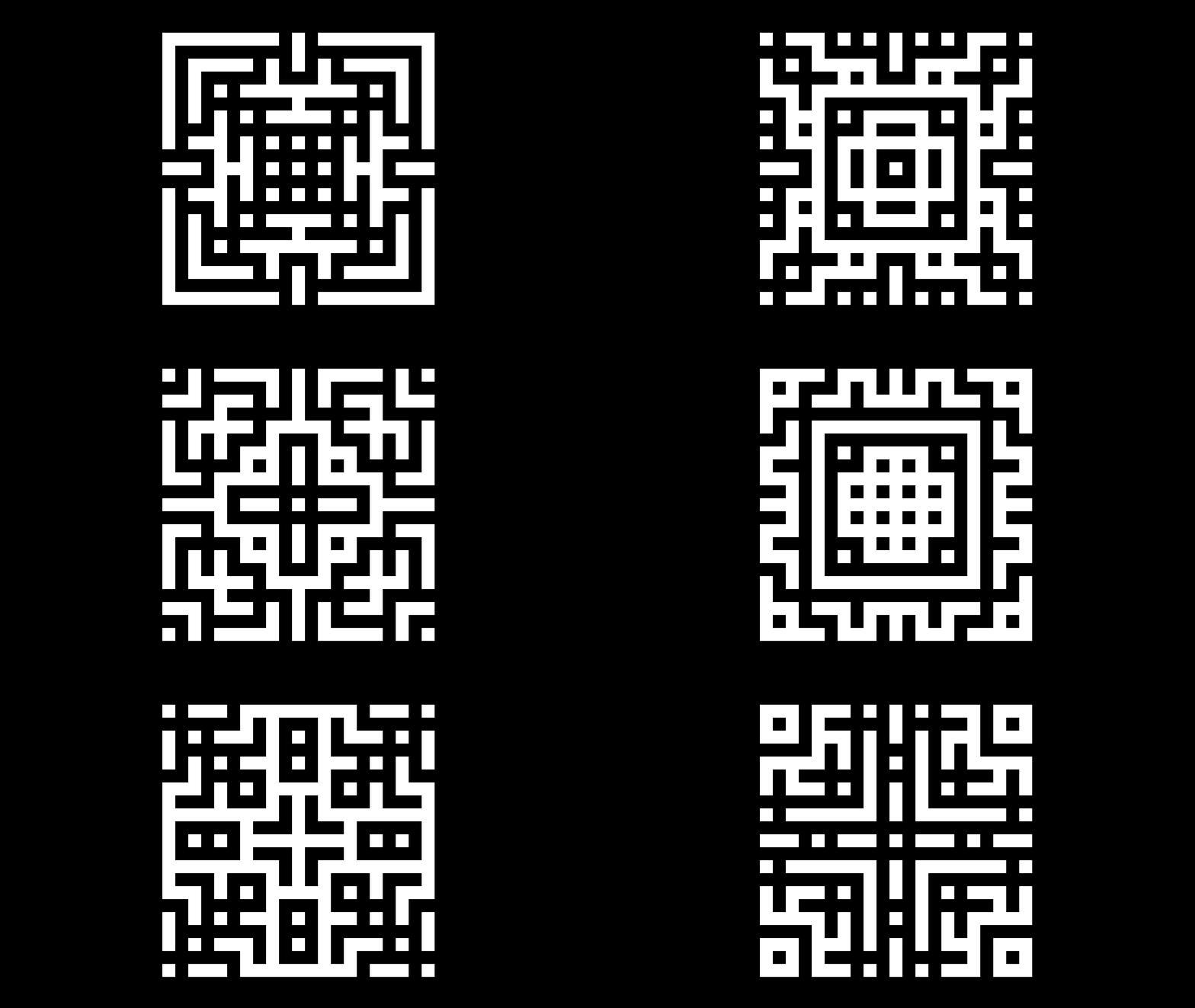
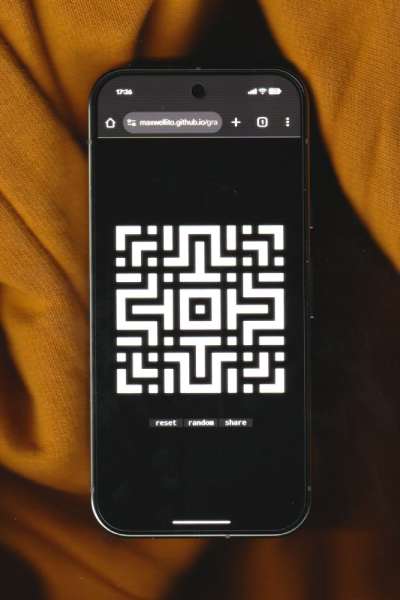
Loop of pixel designs generated with Graxel Photo of a smartphone running Graxel Three Graxel grids showing pattern generation: left shows the base grid, middle shows 1/8 randomly filled, right shows the pattern mirrored across the grid